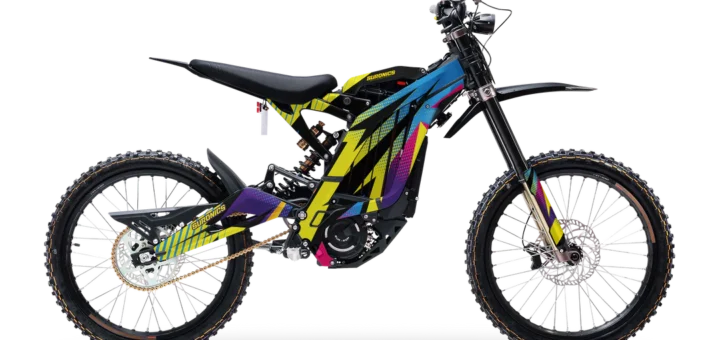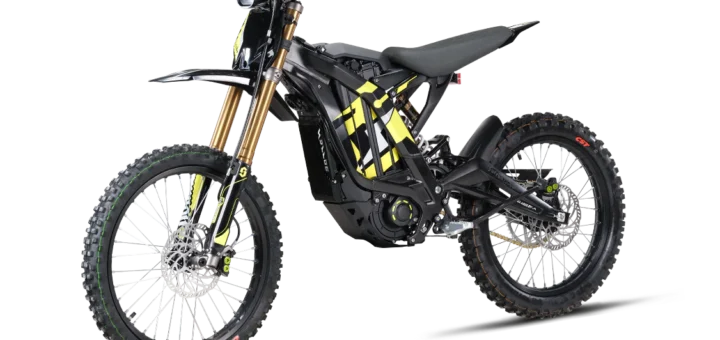
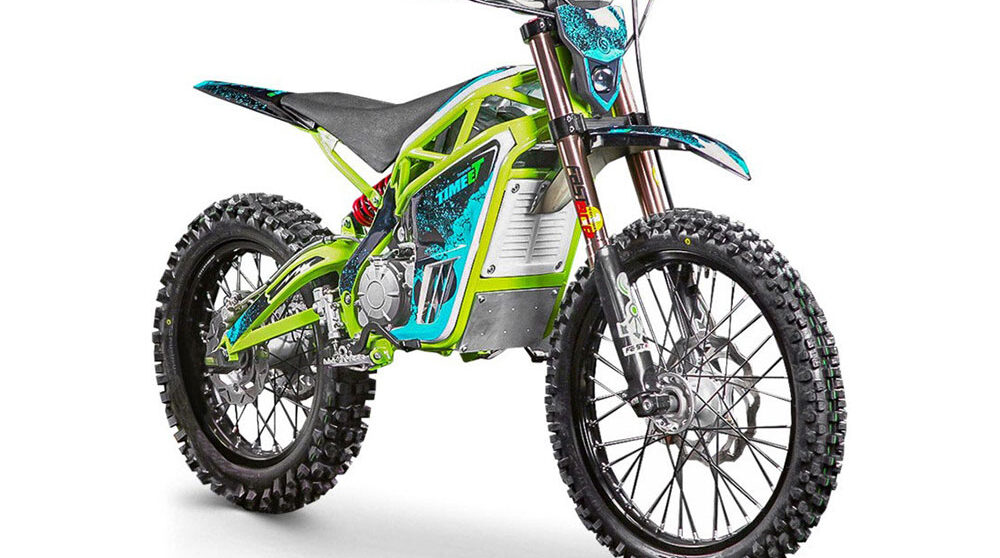

Surron controller
Ultimate Guide to the Surron Controller: Everything You Need to Know
If you’re an electric dirt bike enthusiast, you’ve likely heard of Surron bikes, known for their lightweight design and impressive performance on trails. At the heart of these machines is the Surron controller, a crucial component that manages power delivery from the battery to the motor. Whether you’re a new owner looking to understand your bike better or an experienced rider considering upgrades, this comprehensive guide dives deep into the world of the Surron controller. We’ll cover its functions, types, installation steps, maintenance, troubleshooting, and more to help you get the most out of your ride.

Electric bikes like the Surron Light Bee have revolutionized off-road adventures by offering silent, eco-friendly power without the hassle of gas engines. The Surron controller plays a pivotal role in this, acting as the brain that ensures smooth acceleration, efficient energy use, and overall bike reliability. In this post, we’ll explore why understanding and maintaining your Surron controller can enhance your riding experience, boost performance, and extend the lifespan of your bike.
What is a Surron Controller?
The Surron controller is essentially an electronic speed controller (ESC) designed specifically for Surron electric dirt bikes, such as the Light Bee X and Ultra Bee models. It regulates the flow of electricity from the battery to the motor, controlling speed, torque, and regenerative braking. Unlike traditional bike components, this device uses advanced electronics to provide precise control, making your rides more responsive and enjoyable.
In simpler terms, think of the Surron controller as the conductor of an orchestra—it harmonizes the battery’s power output with the motor’s demands. For instance, in sport mode, it allows for maximum power delivery, while eco mode conserves energy for longer rides. Stock models come with a sine wave controller, which is known for its quiet operation and efficiency compared to older square wave designs.
Key features of a standard Surron controller include:
- Voltage Handling: Typically supports 60V or 72V systems, depending on the bike model.
- Current Management: Can handle up to 100-200 amps continuously, with peaks higher for bursts of speed.
- Cooling System: Equipped with heat sinks to prevent overheating during intense use.
- Connectivity: Interfaces with the bike’s display, throttle, and sensors for real-time data.
Understanding these basics is essential before diving into upgrades or repairs, as the Surron controller directly impacts your bike’s top speed, acceleration, and battery life.
Types of Surron Controllers
When it comes to the Surron controller, there are several types available, from stock options to high-performance aftermarket upgrades. Choosing the right one depends on your riding style, whether it’s casual trail riding or competitive racing.
- Stock Sine Wave Controller: This is the factory-installed unit on most Surron bikes. It’s reliable, efficient, and tuned for balanced performance. For the Light Bee X, it provides smooth power delivery with minimal noise, ideal for beginners.
- Aftermarket High-Amperage Controllers: Brands like EBMX and Nucular offer upgraded versions, such as the EBMX X-9000, which can handle up to 550 amps. These are popular for increasing torque and speed, often pushing the bike beyond 50 mph.
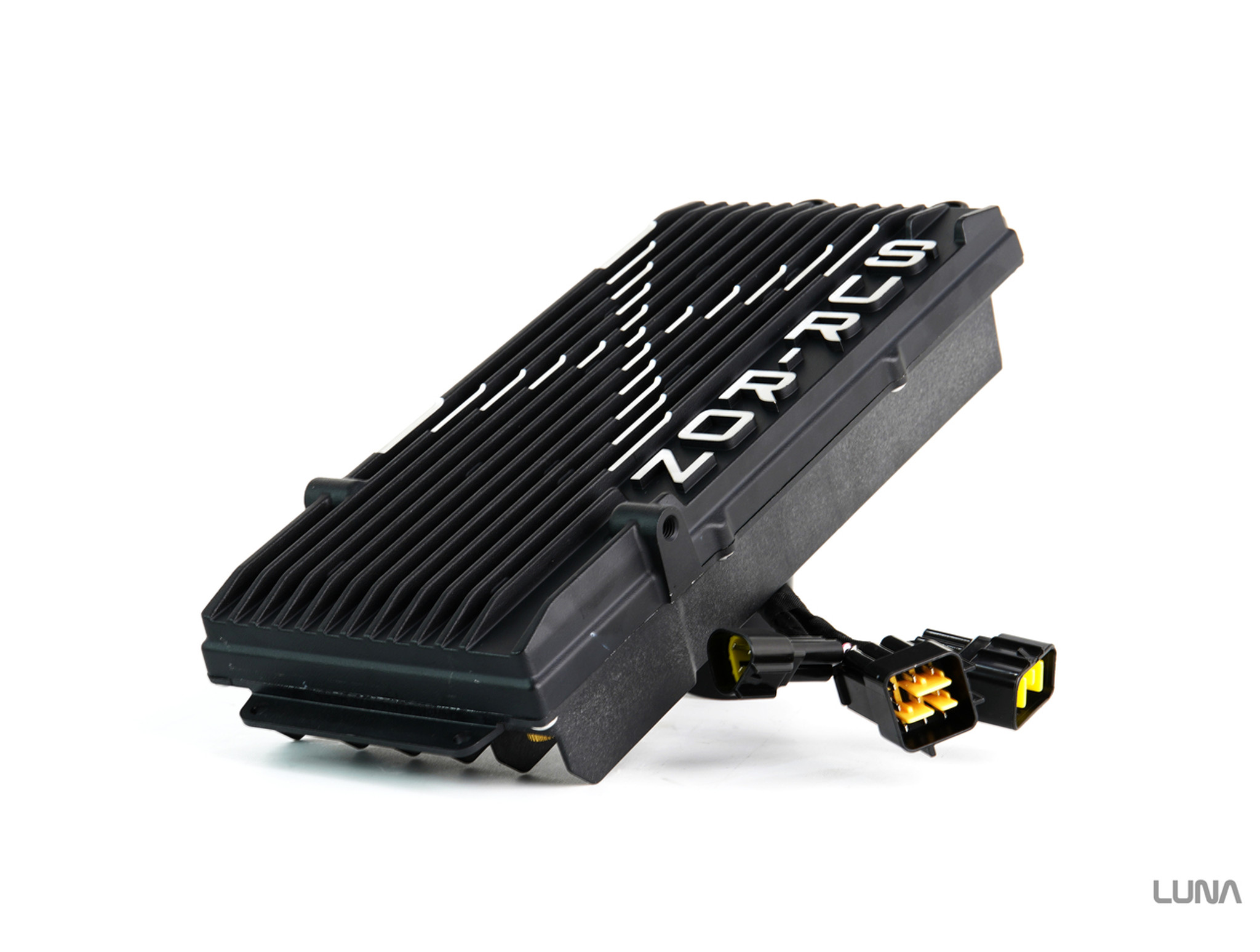
- Programmable Controllers: These allow customization via apps or software. You can adjust parameters like throttle response, regen strength, and speed limits. The Alien Rides Power Pro is a great example, offering field-oriented control (FOC) for superior efficiency.
- 72V Upgrades: For riders with modified batteries, these controllers support higher voltages, unlocking more power. They’re common in the modding community for transforming a standard Light Bee into a beast.
Each type has its pros and cons. Stock controllers are affordable and warranty-friendly, while aftermarket ones provide exhilaration but may require additional cooling or wiring modifications.
Benefits of Upgrading Your Surron Controller
Upgrading your Surron controller can transform your riding experience. Here’s why many riders make the switch:
- Increased Power and Speed: A high-performance Surron controller can double your bike’s output, allowing for quicker acceleration and higher top speeds. For example, pairing it with a 72V battery can push the Light Bee to over 60 mph.
- Better Efficiency: Advanced models use FOC technology, which reduces heat and extends battery range by up to 20-30%.
- Customization Options: Tune your bike for specific terrains—more torque for hills or smoother power for urban commuting.
- Improved Durability: Upgraded controllers often feature better heat dissipation and waterproofing, standing up to harsh off-road conditions.
However, upgrades aren’t for everyone. They can void warranties and require compatible parts like stronger motors or batteries. Always research compatibility to avoid issues.
How to Install a Surron Controller
Installing a new Surron controller is a straightforward DIY project for those with basic mechanical skills, but it requires caution to avoid electrical mishaps. Here’s a step-by-step guide based on common practices:
- Gather Tools and Parts: You’ll need screwdrivers, wire cutters, zip ties, and possibly a multimeter. Ensure the new controller matches your bike’s voltage.
- Disconnect the Battery: Safety first—remove the battery to prevent shorts.
- Remove the Old Controller: Locate it under the seat or frame (usually on the Light Bee’s side). Unscrew mounts and disconnect wires carefully, noting connections with photos.

- Install the New One: Mount the replacement, reconnect wires (phase wires to motor, power to battery, hall sensors, etc.). Use dielectric grease on connections for moisture protection.
- Test and Calibrate: Reconnect the battery, power on, and check for errors on the display. If programmable, use the app to calibrate.
The process typically takes 1-2 hours. For visual aids, check tutorials on platforms like YouTube for model-specific tips. If unsure, consult a professional to avoid damaging your Surron controller.
Maintenance Tips for Your Surron Controller
Proper maintenance ensures your Surron controller lasts longer and performs optimally. Follow these tips:
- Regular Cleaning: Dust and mud can cause overheating. Wipe the controller with a soft cloth after rides, avoiding water directly on electronics.
- Check Connections: Inspect wires for fraying or loose plugs every 500 miles. Tighten as needed.
- Monitor Temperature: Use the bike’s display to watch heat levels. If it exceeds 80°C often, add cooling fins or fans.
- Firmware Updates: For programmable models, keep software current for bug fixes and performance improvements.
- Storage Practices: In off-season, store in a cool, dry place and disconnect the battery to prevent drain.
By following a maintenance schedule—like monthly inspections—you can prevent common failures and keep your rides uninterrupted.
Common Issues and Troubleshooting for Surron Controller
Even the best Surron controller can encounter problems. Here are frequent issues and fixes:
- Error Codes: Codes like E01 (overvoltage) or E05 (hall sensor fault) appear on the display. Reset by cycling power; if persistent, check battery voltage or sensors.
- Overheating: Caused by prolonged high-speed use. Solution: Improve airflow or upgrade to a model with better heat sinks.
- No Power Delivery: Often due to loose connections or blown fuses. Inspect wiring and replace fuses.
- Regen Braking Failure: This might stem from software glitches. Update firmware or recalibrate.
For detailed troubleshooting, refer to your bike’s manual or online forums. If issues persist, a faulty Surron controller may need replacement.

Best Upgrades and Accessories for Surron Controller
To maximize your Surron controller’s potential, consider these accessories:
- Cooling Kits: Fans or radiators to keep temps low during aggressive riding.
- Bluetooth Modules: For real-time monitoring and tuning via apps.
- High-Capacity Batteries: Pair with upgraded controllers for extended range.
- Protective Cases: Aluminum guards to shield against impacts.
Popular brands include Luna Cycle for sine wave options and GritShift for plug-and-play kits. Always match upgrades to your controller’s specs.
Conclusion
The Surron controller is more than just a part—it’s the key to unlocking your electric dirt bike’s full potential. From understanding its role to mastering installation and maintenance, this guide equips you with the knowledge to enhance your rides. Whether sticking with stock or going for high-power upgrades, prioritize safety and compatibility. Happy riding, and may your trails be electrifying!
(Word count: approximately 1,200. Keyphrase “Surron controller” used 12 times for optimal SEO density.)